Checking which photos have been selling
At Bossfotos you can see which photographs have been selling.
Firstly, you can have an overview of your total sales and which customers have purchased from you. In the menu go to “analysis” and you can view sales by customer, gallery, album and event. From either the customer tab or the gallery tab you can see which galleries have had sales.
There is also a dropdown arrow in the Photos Sold box that allows you to export all your photo names that have been sold.
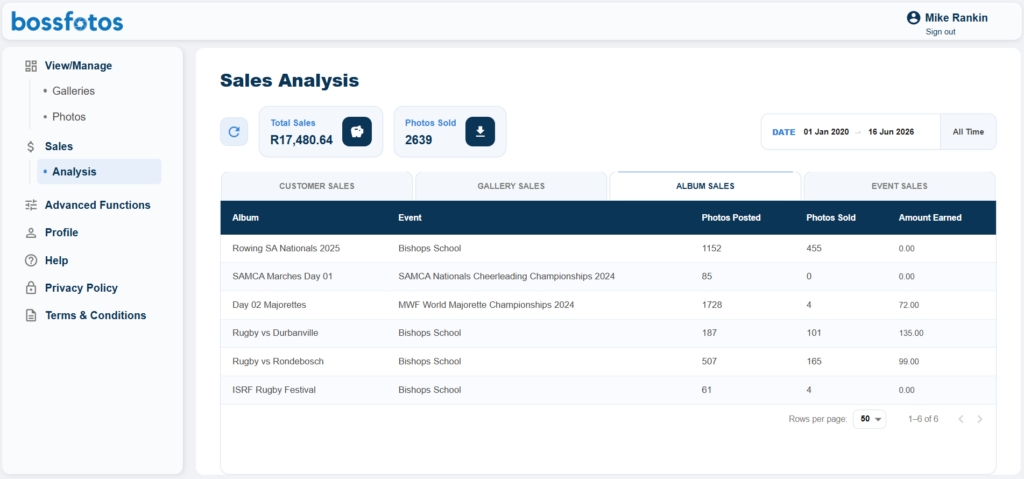
Take note of the gallery name and then click on “Photos” in the menu.
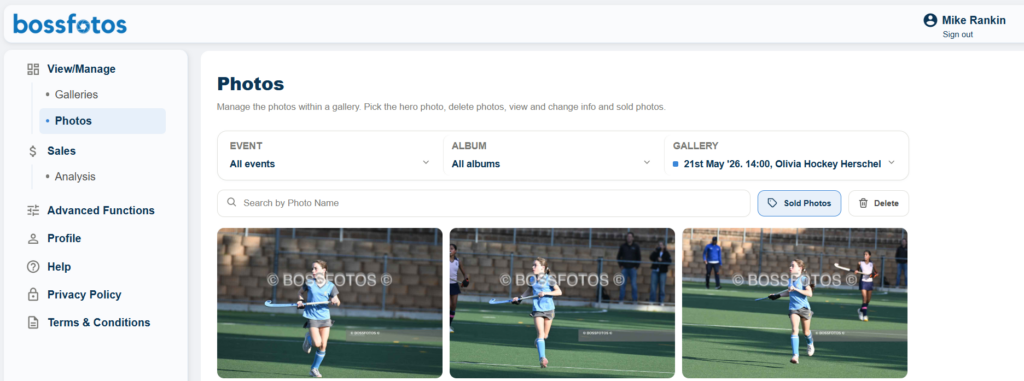
In the photos tab, select at the top the gallery you want to search in the drop down box.
Once the gallery has loaded select the “sold photos icon” at the top of the photos and it will turn blue. It will also add a blue tag to every photo that has been sold.
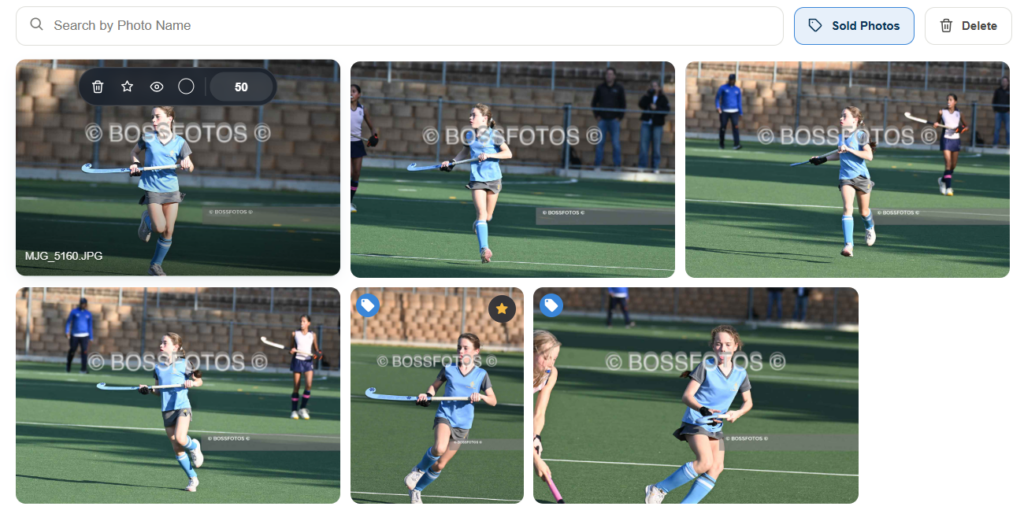
You can also hover your mouse over those photos and then select the photo by clicking on the “eye icon”.
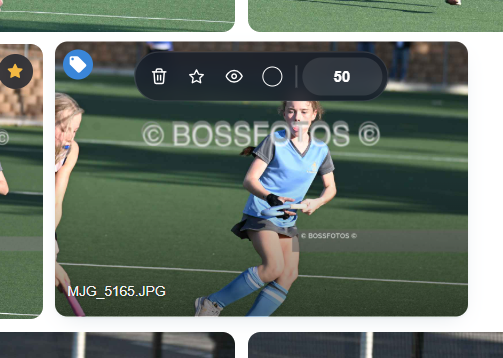
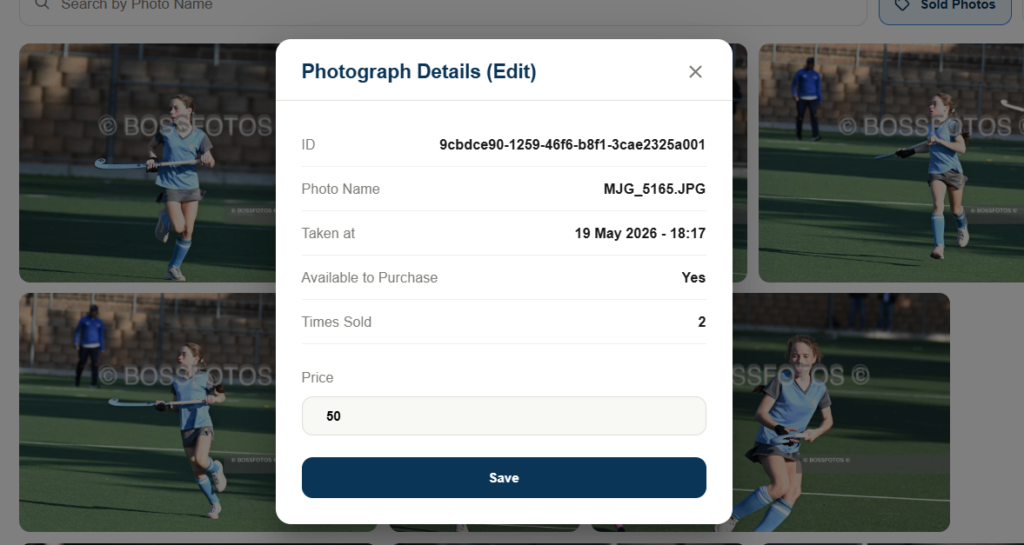
When you do that it will pull up the details of that photo, including the name and how many times that photo has sold.